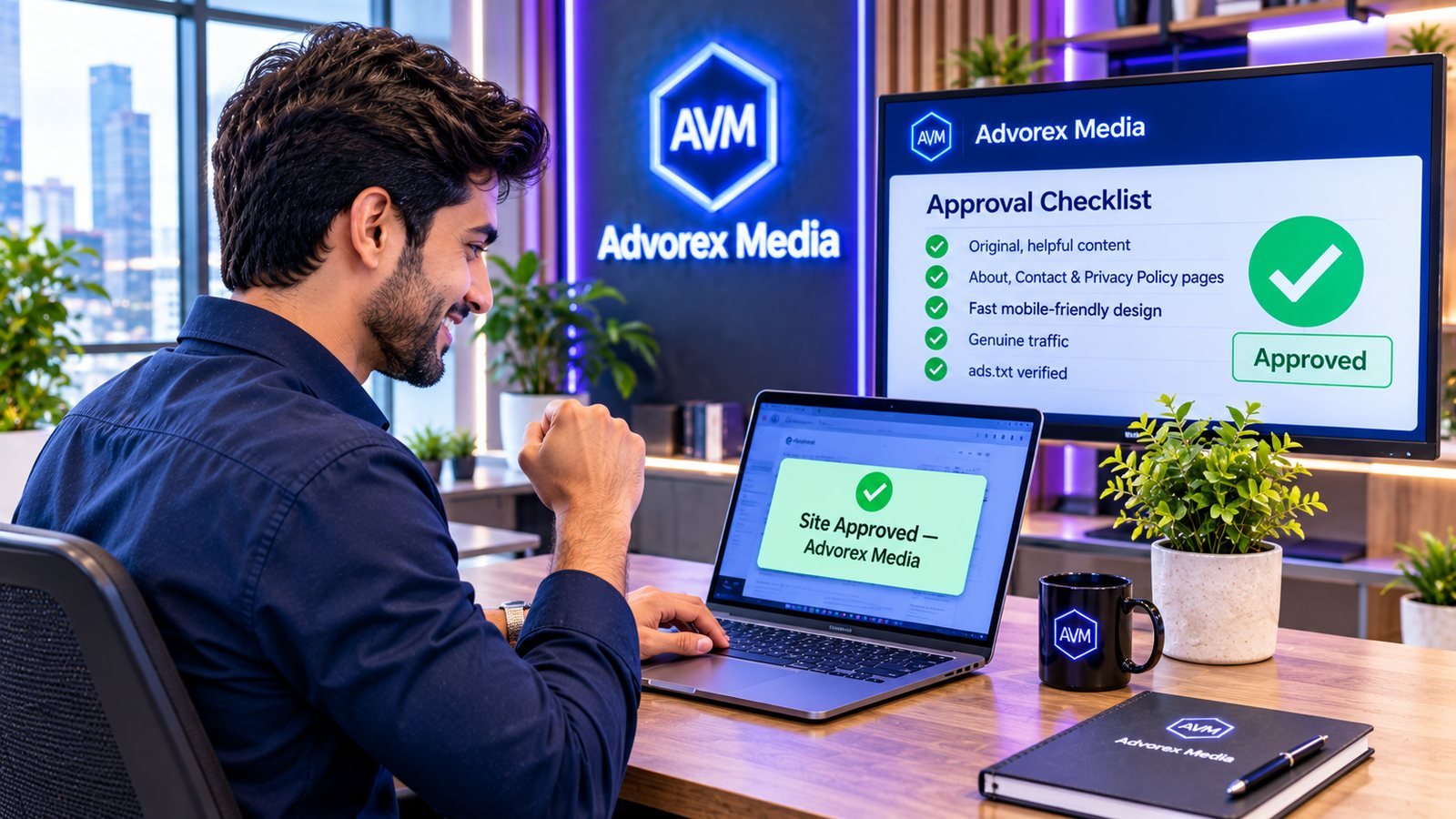
Every ad network, from the biggest names to a mediation platform like Advorex Media, reviews a website before it can show ads. The reason is simple: advertisers pay to appear on real, trustworthy websites with real readers. A review protects them, and it also protects the network's reputation with those advertisers.
The good news is that website approval for ads is not a mystery. Reviewers look for the same signals almost everywhere. If you prepare your site against the checklist below before you apply, approval becomes a formality instead of a gamble.
What ad network reviewers actually look for
A reviewer opens your site and asks one question: would an advertiser be comfortable here? Everything on this page is a way of answering "yes". In practice, reviewers check five areas:
- Content: is it original, useful and allowed by advertising policies?
- Trust: does the site look like a real publication run by real people?
- Technical health: does it load over HTTPS, work on mobile and stay on its own domain?
- Traffic: are the visitors genuine people?
- Account: is the publisher a real, verifiable person or business with one account?
Step 1: Publish original, useful content
Content is the first and most important part of any ad network approval. Reviewers want to see that your site gives visitors a reason to come and stay.
- Write it yourself, or have it written for you. Copied, scraped or lightly reworded articles are the fastest route to rejection.
- Go deep. A detailed guide that answers a question fully is worth more than ten short posts that barely scratch it.
- Publish enough to browse. A visitor should be able to read several articles in your niche. A homepage with three posts looks unfinished.
- Keep a consistent topic. A clear niche helps reviewers, readers and advertisers understand what your site is about.
- Remove placeholder text, empty categories and "sample page" posts left over from your theme.
Step 2: Stay inside advertising content policies
Some content cannot carry ads from mainstream advertisers no matter how well it is written. Before you apply, make sure your site does not contain:
- Adult or sexually explicit material
- Gambling or betting content where it is not permitted
- Pirated films, software, music or books, or links to them
- Illegal drugs, weapons sales or hacking tools
- Shocking, violent or hateful content
- Misleading health or money claims
Even a few pages like this can lead to a full rejection, because reviewers judge the whole domain.
Step 3: Add the trust pages every reviewer expects
Real publications tell readers who they are and how to reach them. These pages are a small effort with a large effect on approval:
| Page | What it should contain |
|---|---|
| About | Who runs the site, what it covers and why readers can trust it. |
| Contact | A working email address or contact form. A form that goes nowhere counts against you. |
| Privacy Policy | What data you and your partners collect, including cookies used for advertising. |
| Terms or Disclaimer | Optional but helpful, especially for finance, health or review sites. |
Link these pages from your footer or menu so a reviewer finds them in seconds. If you serve visitors in Europe or the UK, plan your consent setup too; our guide to cookie consent and ads explains what you need.
Step 4: Fix the technical basics
- HTTPS everywhere. A valid SSL certificate is expected by nearly every ad network. Most hosts include one for free.
- Your own domain. Ads are approved per domain. A free subdomain on a blogging platform is usually not accepted.
- No unexpected redirects. Your homepage should open on your domain and stay there, not bounce to another site.
- Mobile-friendly design. Most visitors are on phones. Check every page on a real phone; see mobile-first monetization.
- Fast loading. A slow site frustrates readers and reviewers. Our page speed guide covers the main fixes.
- Clear navigation. A menu, categories and working internal links make the site look complete.
Step 5: Show genuine traffic
Advertisers pay for people, not page loads. Reviewers look at whether your visitors behave like real readers.
- Grow traffic naturally through search, social media, newsletters and direct visits.
- Never buy cheap traffic or join "traffic exchange" schemes. They are a leading source of bots and can get a site rejected or banned later. Read invalid traffic (IVT) to see why.
- Be honest about your numbers. When an application asks for daily visitors or traffic sources, give real figures. Inflated claims are easy to check and damage trust.
Step 6: Prepare your ads.txt file
Ads.txt is a public file on your domain that lists the companies allowed to sell your ad space. Many buyers will not bid without it, and reviewers increasingly check it. Make sure you can upload a file to the root of your site, or use a plugin that manages it for you. Our ads.txt guide walks through every line.
Step 7: Keep your account clean and verifiable
- One person, one account. Opening several accounts for the same person or the same site is treated as a warning sign.
- Do not submit a site that is already approved elsewhere under another account.
- Complete identity verification when asked. It protects your payments and shows you are a real publisher.
- Use accurate contact and payment details from the start.
The complete approval checklist
| Check | Ready? |
|---|---|
| Original, helpful articles in a clear niche | ☐ |
| No restricted content (adult, gambling, piracy, drugs, hacking) | ☐ |
| About, Contact and Privacy Policy pages linked in the footer | ☐ |
| HTTPS working on every page | ☐ |
| Own domain, no redirects to other sites | ☐ |
| Fast, mobile-friendly design with clear navigation | ☐ |
| Real, steadily growing traffic | ☐ |
| Ability to publish ads.txt at the domain root | ☐ |
| One account, verified identity, honest details | ☐ |
What to do in the week before you apply
A short final review catches the small problems that cause most rejections. Set aside an hour and go through your site as a stranger would:
- Open your homepage on a phone using mobile data, not office Wi-Fi. Does it load quickly and look finished?
- Click every menu link and every footer link. Fix anything that leads to an error or an empty page.
- Read your five newest posts from top to bottom. Would you be happy for an advertiser to appear next to each one?
- Search your own site for words related to restricted topics and remove anything you find, including old drafts that were published by mistake.
- Send yourself a message through your contact form to prove it works.
- Remove ads from other providers that you no longer use, and any popups that appear before the content.
- Check your traffic sources in your analytics tool. If anything looks unusual, wait until it settles before applying.
Common myths about ad approval
- "You need thousands of visitors a day." Most platforms care more that traffic is real and growing than about a specific number.
- "A paid theme guarantees approval." Design helps, but reviewers approve content and trust, not themes.
- "More posts always help." Fifty short, similar posts are weaker than fifteen strong, distinct guides.
- "Once approved, you are approved forever." Sites are monitored after approval. Adding restricted content or bought traffic later can still lead to ads being stopped.
How approval works at Advorex Media
When you add a site to your Advorex Media dashboard, it is checked against the same points as this list: whether the site opens over HTTPS, stays on its own domain, has real content, avoids restricted categories, lists us in ads.txt and is not already running on another account. If something needs attention, you see what it is instead of a silent rejection. For WordPress sites, our free plugin adds the tag and keeps your ads.txt up to date automatically, which removes two of the most common setup mistakes. If you are on WordPress, our guide to monetizing a WordPress site shows the full setup.
If an application has already been declined somewhere, read why ad networks reject websites and how to fix it before you reapply.
Key takeaways
- Reviewers ask one question: would an advertiser be comfortable on this site?
- Original, substantial content in a clear niche is the foundation of approval.
- About, Contact and Privacy Policy pages, HTTPS and a mobile-friendly design are expected basics.
- Traffic must be genuine; bought traffic causes rejections and later bans.
- Prepare ads.txt and keep one honest, verified account.
Frequently asked questions
How long does website approval for ads take?
It depends on the platform and on how complete your site is. A site that already meets every point on the checklist is usually reviewed quickly. Missing pages, thin content or unclear traffic are the most common reasons a review takes longer or is declined.
How many articles do I need before applying?
There is no official number. What reviewers look for is a site that already feels useful: enough original, substantial articles that a visitor can browse for a while. Many publishers wait until they have a few dozen solid posts, but quality matters far more than count.
Do I need a lot of traffic to get approved?
Not necessarily a lot, but it must be real. Steady visitors from search, social or direct visits look healthy. Sudden spikes from bought or incentivised traffic are a red flag and can lead to rejection even on a good-looking site.
Can a new domain get approved for ads?
Yes, if the site is complete. A new domain with original content, clear policy pages, HTTPS and genuine visitors can be approved. A brand-new site with a handful of posts usually needs more time and content first.
Does my site need a privacy policy to show ads?
Yes. Ads use cookies and similar technologies, and most ad networks require a privacy policy that explains this. It also builds trust with reviewers and readers.
Turn these tips into revenue
Advorex Media puts several ad networks in competition for every impression on your site, with one lightweight tag and a dashboard that shows the real numbers.
Create your free account →