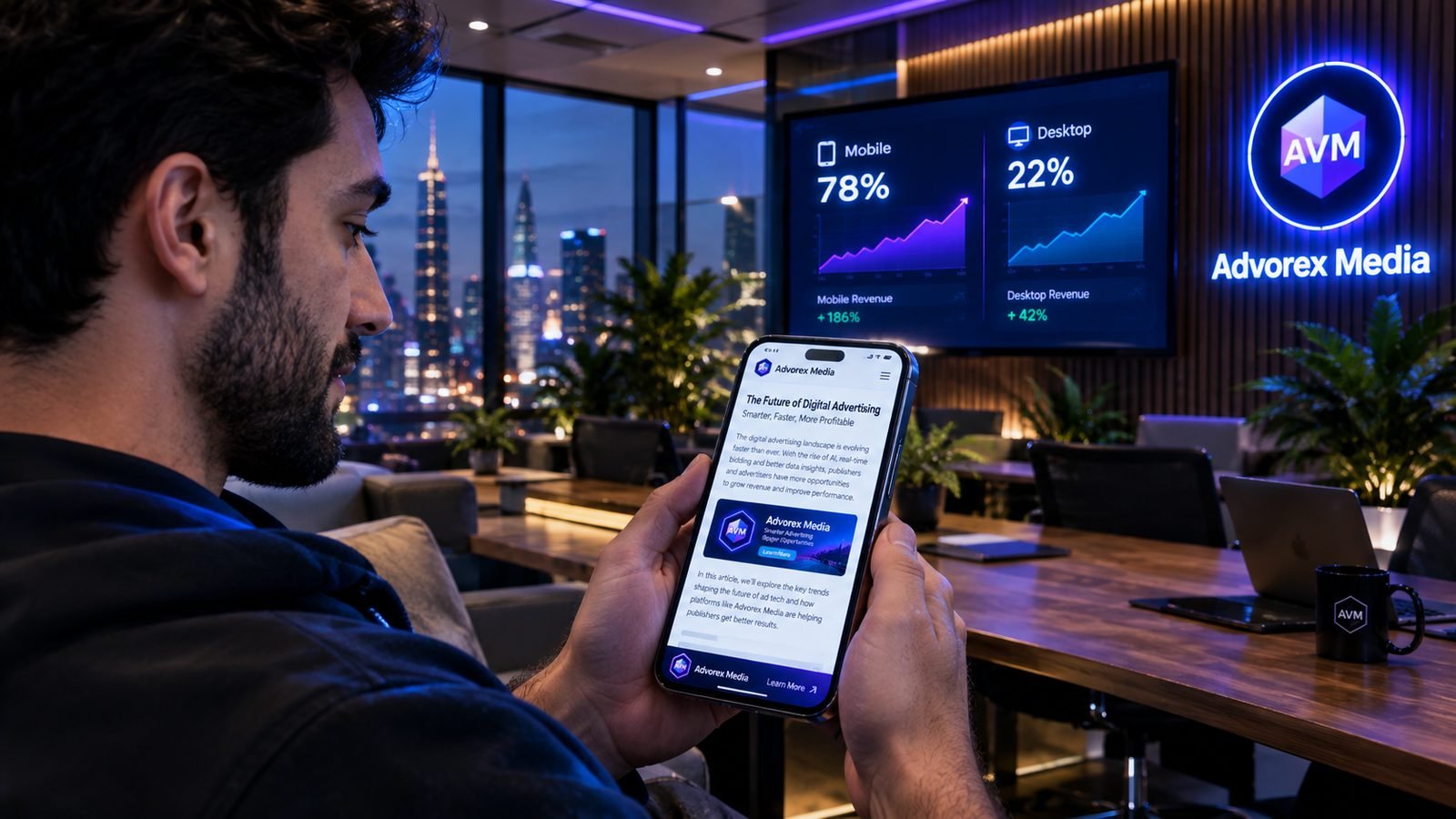
Open your analytics and look at the device split. For most content sites, well over half of visits, often far more, come from phones. Yet many ad setups are still designed on a laptop: a leaderboard at the top, a sidebar full of ads, and a mobile view that is just the desktop layout squeezed into a narrow column.
That approach optimizes for the minority of your readers. This guide shows how to build an ad setup for the screen most people actually use.
Why mobile needs its own plan
- The sidebar disappears. On phones, sidebar content drops below the article, where few readers ever reach it. Units that earn well on desktop earn little there on mobile.
- The screen is small. Only one ad fits on screen at a time, so each one must be in the right place.
- Readers scroll fast. Ads have to load quickly to be seen before the reader moves on.
- Connections vary. Heavy pages on mobile networks are slow, and slow pages lose readers and viewability.
The mobile formats that earn
| Format | Typical size | Why it works on mobile |
|---|---|---|
| Bottom sticky anchor | 320×50 or 320×100 | Stays visible the whole visit without covering text; very high viewability |
| In-content rectangle | 300×250 or responsive | Seen as readers scroll through the article |
| Top anchor | 320×50 | Visible from the first second; use either top or bottom anchor, not both |
| Native | Matches your layout | Blends with content, comfortable to read around |
| Interstitial | Full screen | High value, but only between pages and only occasionally |
For the strengths of each format in more depth, see choosing the right ad formats.
A mobile article layout that works
- Title and first paragraph first. Let the reader see what the article is about before any ad.
- First in-content unit after paragraph 1 or 2.
- More in-content units every 4–6 paragraphs on long articles.
- One sticky anchor, usually at the bottom.
- One unit after the conclusion, before comments or related posts.
That is typically three to five ads on a long article, with plenty of reading between them.
Mobile speed is mobile revenue
On phones, speed decides whether an ad is seen at all. The essentials:
- One asynchronous ad script instead of one per network.
- Lazy-loaded ads, requested just before they scroll into view.
- Reserved space for every slot, so the text does not jump while ads load.
- Compressed, correctly sized images. Images are usually a bigger speed problem than ads.
Our page speed guide goes through each fix.
Understanding mobile numbers
Mobile eCPM is often lower than desktop eCPM. That is normal and not a sign something is broken. Smaller ads, one-at-a-time screens and some buyers' preference for desktop all play a part. What matters is mobile RPM: how much each mobile page view earns. Because mobile is most of your traffic, a small improvement in mobile RPM usually beats a large improvement on desktop.
Example: a site with 80,000 mobile and 20,000 desktop page views a month.
- Raising desktop RPM from $5.00 to $6.00 adds $20.
- Raising mobile RPM from $3.00 to $3.50 adds $40.
See eCPM, RPM and fill rate for how to read these numbers.
Common mobile mistakes
- Testing the mobile layout only by narrowing a desktop browser window.
- Placing the first ad above the title, so readers see an ad before the content.
- Using both a top and a bottom sticky ad, leaving little room to read.
- Showing an interstitial as soon as the page opens.
- Ads right next to menu buttons or "next page" links.
A quick mobile audit
- Open your three most visited pages on a real phone.
- Count how many ads you see before the first paragraph. The answer should be zero or one.
- Scroll slowly. Does anything jump? Does any ad cover text?
- Check the bottom of the screen for overlapping buttons.
- Note how long the page takes to feel usable on mobile data.
Fix the worst problem first, wait a week, and compare mobile RPM.
Mobile formats in Advorex Media
Advorex Media includes the formats that work best on phones: bottom sticky and top anchor bars, in-content display units, native units and interstitials, alongside desktop formats such as sticky sidebars. Each unit you create gets its own code and its own line in your reports, so you can see exactly what each mobile position earns. The dashboard itself works on your phone too, so you can check the numbers wherever you are.
Key takeaways
- Most readers are on phones; design your ad layout for mobile first.
- Bottom sticky anchors and in-content units are the strongest mobile positions.
- Speed decides mobile viewability: one async tag, lazy loading, reserved space.
- Judge mobile by RPM, not by comparing its eCPM with desktop.
Frequently asked questions
Why is my mobile eCPM lower than desktop?
Mobile ads are smaller, screens show fewer of them at once and some buyers still pay more for desktop. The gap is normal. The goal is to raise mobile RPM through viewable placements and more impressions per visit, not to match desktop eCPM.
Are sticky ads allowed on mobile?
A slim anchor at the top or bottom of the screen that does not cover content and can be closed or scrolled past is widely used and accepted. Large sticky ads that cover much of the screen are not.
Should I use interstitial ads on mobile?
Only sparingly. Full-screen ads shown between pages can earn well, but showing them on arrival or too often frustrates readers and can conflict with search and advertiser guidelines.
How do I test my mobile ad layout?
Open your pages on a real phone, not just a narrow desktop browser window. Check that ads do not cover text, that the page does not jump while ads load and that you can read comfortably.
Turn these tips into revenue
Advorex Media puts several ad networks in competition for every impression on your site, with one lightweight tag and a dashboard that shows the real numbers.
Create your free account →